Start with what you charge, and where
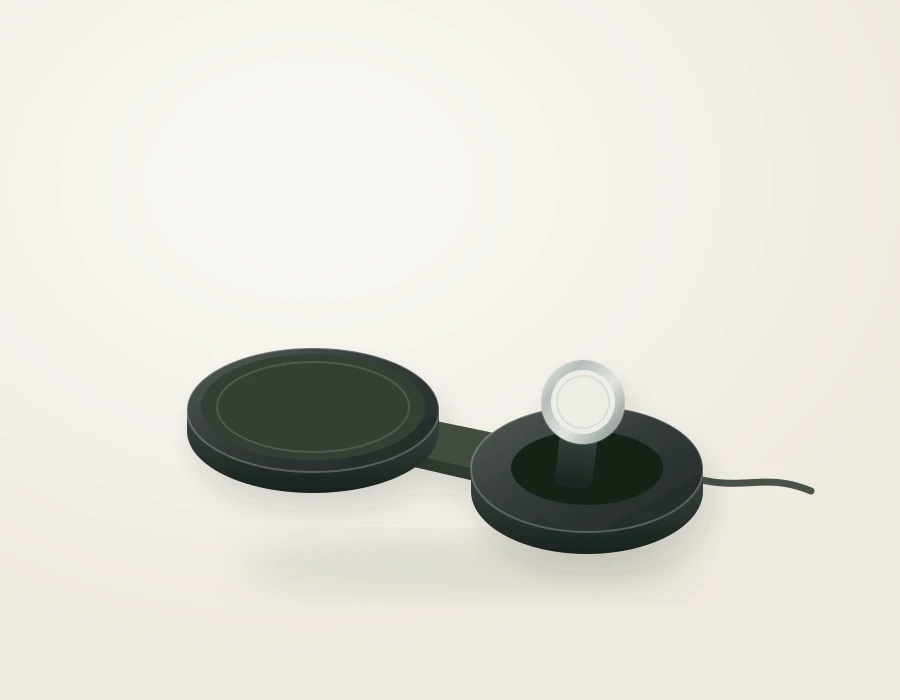
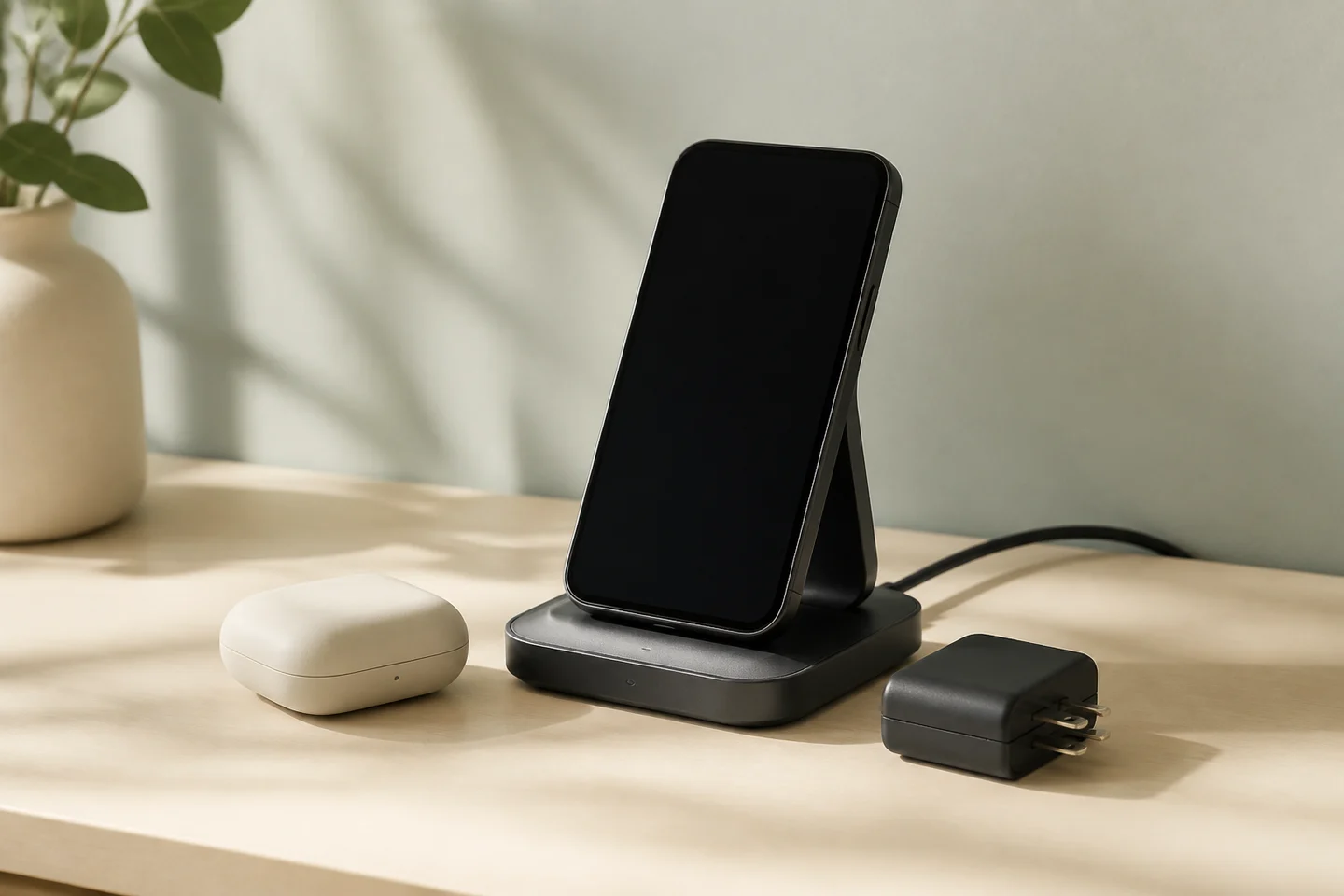
Write down the devices that actually need power at the same time. A phone, an Apple Watch and wireless-chargeable earbuds can make a 3-in-1 station useful. A phone and earbuds do not need an empty watch charger between them. Two people sharing a bedroom may be better served by two small chargers than a single elaborate stand with only one phone position.
Next, decide whether the charger has a permanent home. A station beside a monitor needs a comfortable viewing angle and a cable that reaches the outlet. A travel kit needs to pack easily with its adapter and cable. A bedside setup must fit around the lamp, book and glass of water you already use. These choices affect daily satisfaction more directly than a feature count.
Our ten selections cover different combinations of devices and routines. They are not a first-to-tenth laboratory ranking. We have researched the published specifications and buying requirements; we have not measured charge times, fan noise or long-term durability.
Three useful places to begin
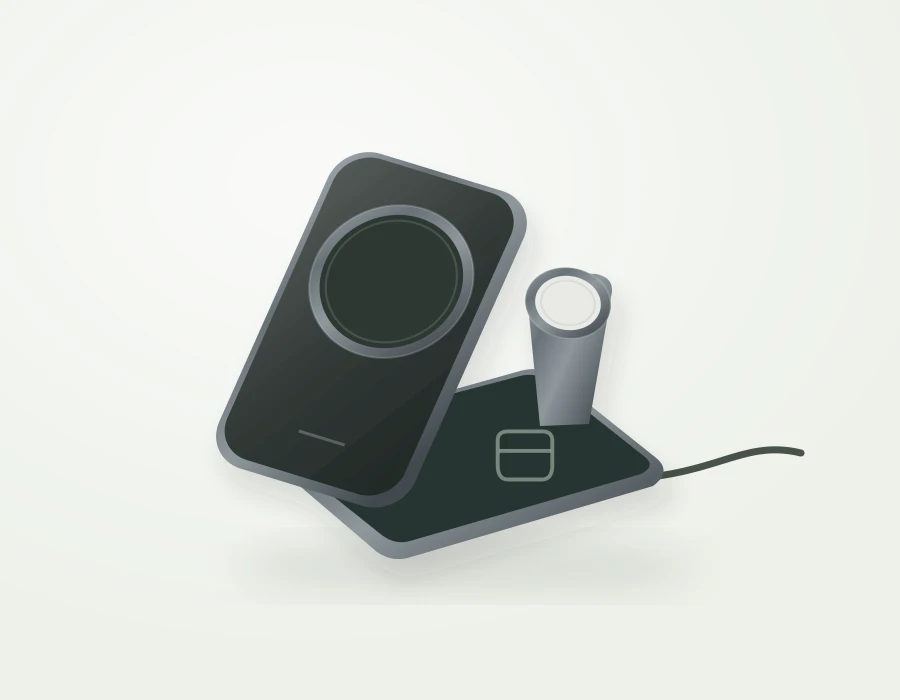
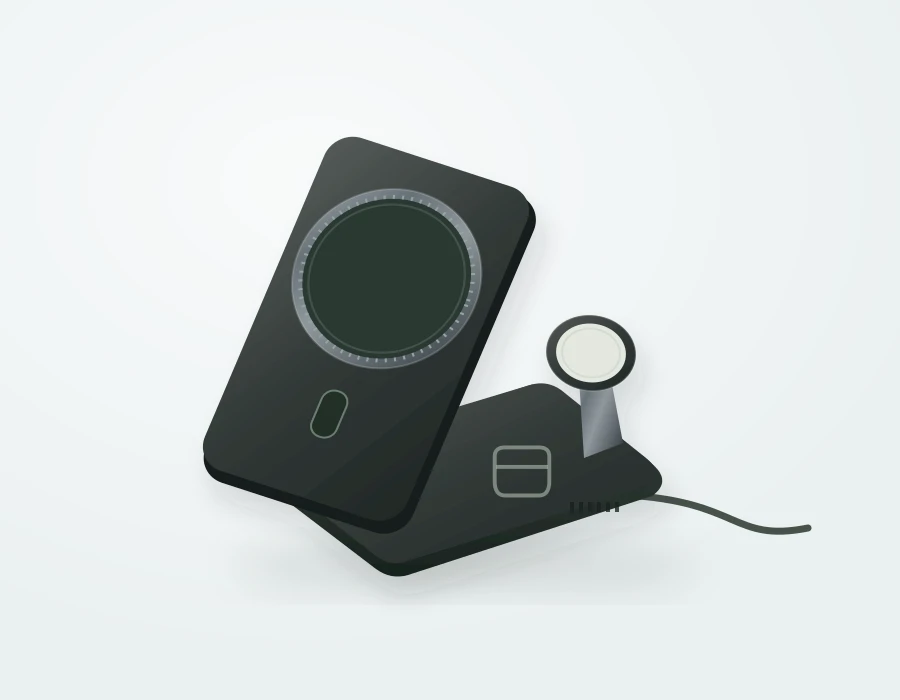
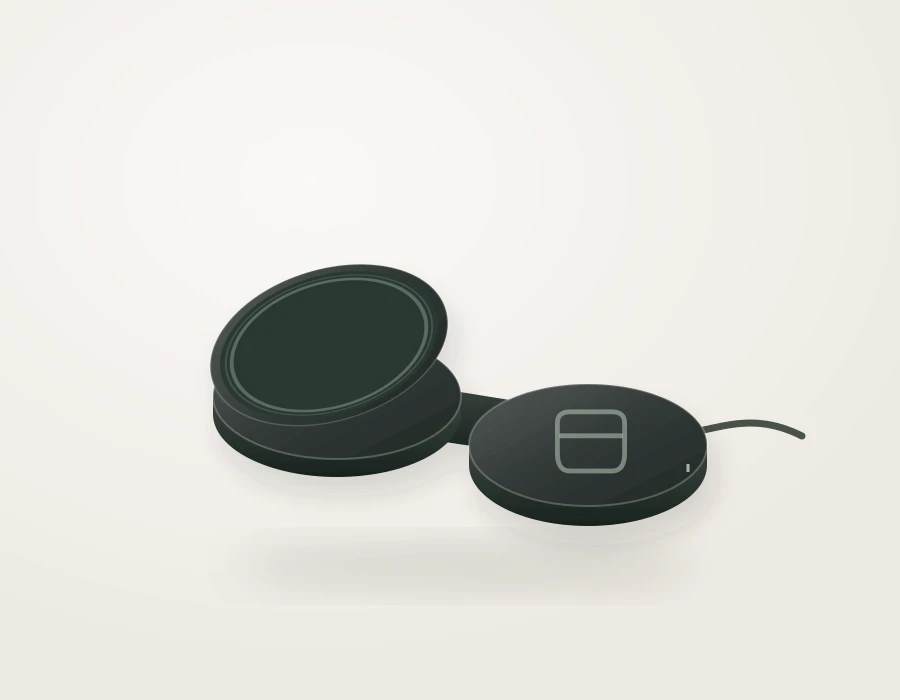
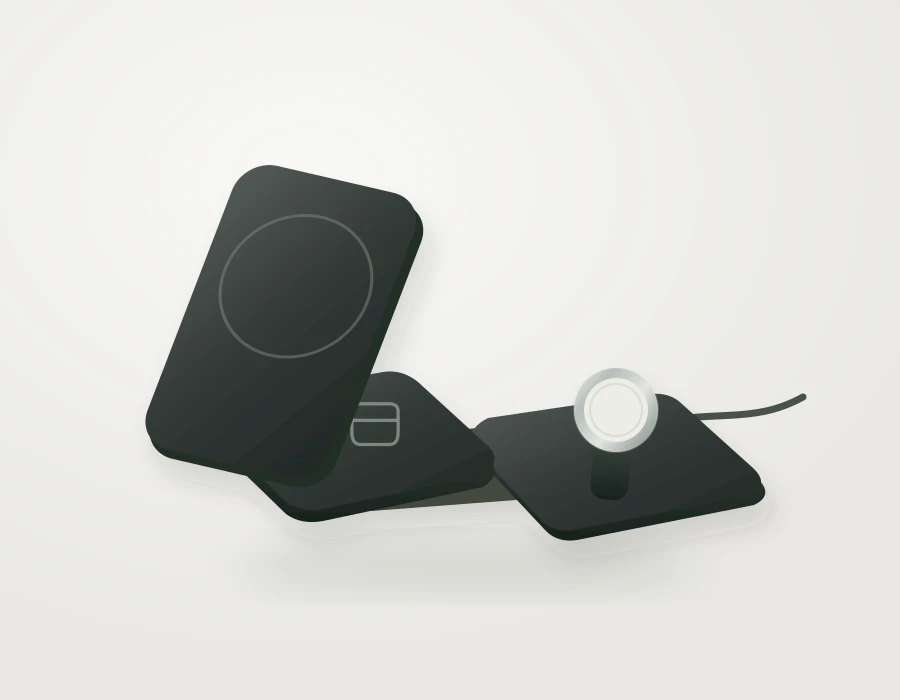
For travel with an iPhone, Apple Watch and compatible earbuds, compare mophie Roam with the folding Anker Prime A25N1. The question is whether you prefer a supplied travel kit with passive cooling or an actively cooled station that also makes sense on a desk. The comparison walks through the packing and power requirements rather than treating a single wattage as the deciding factor.
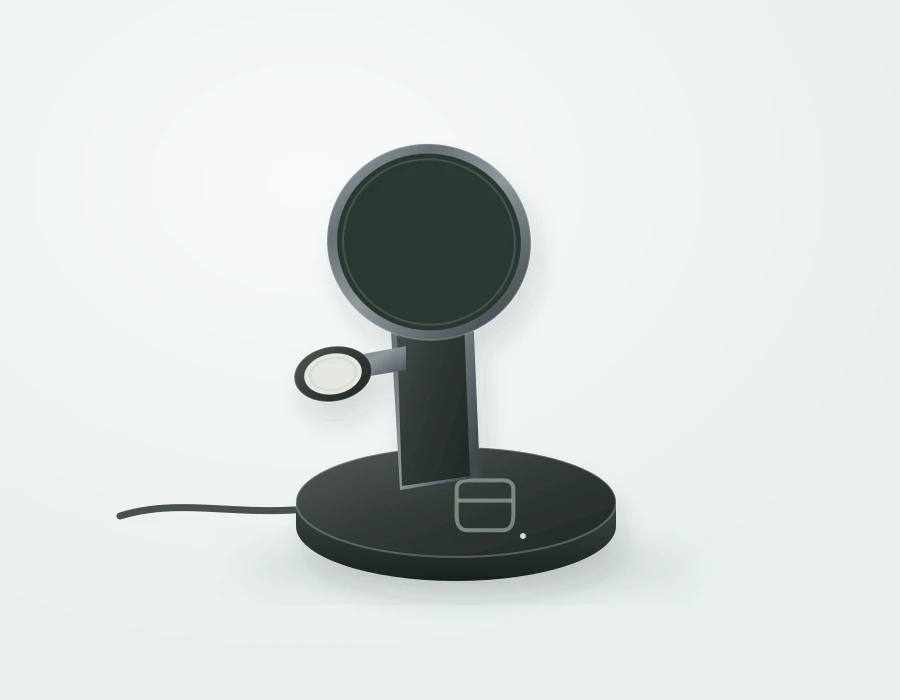
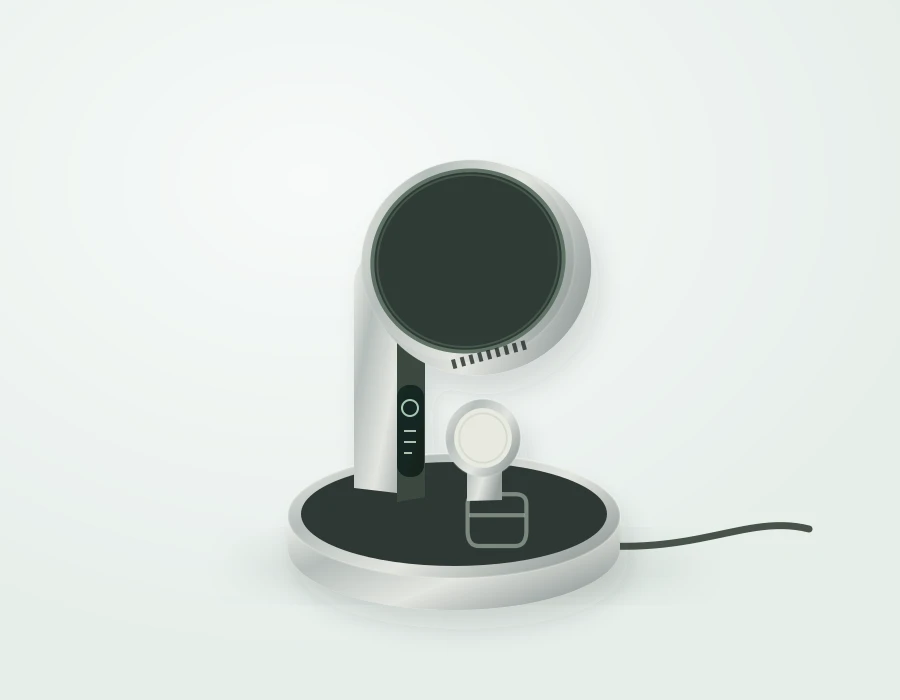
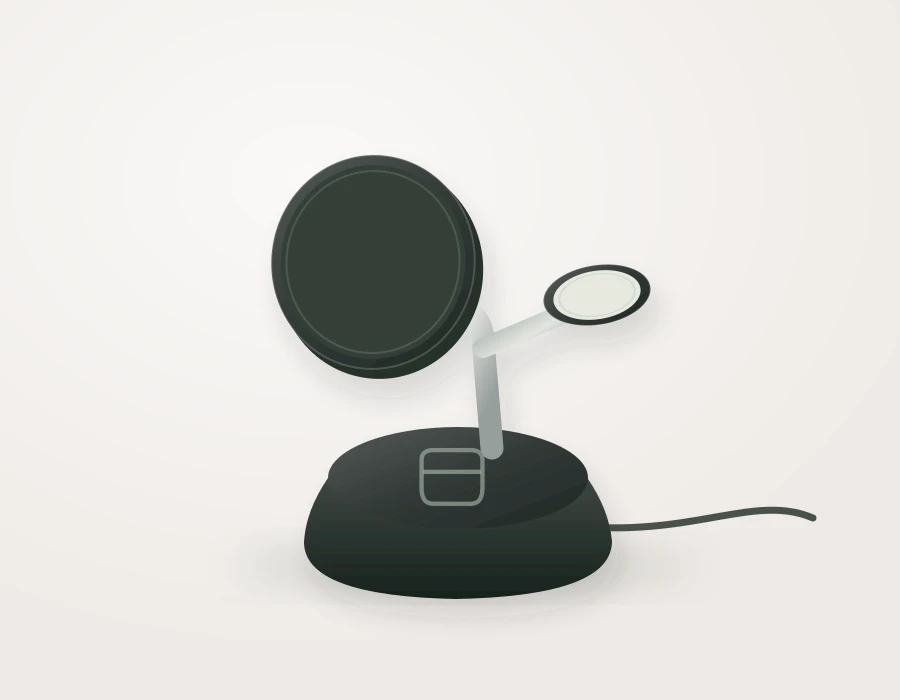
For a permanent three-device desk setup, start with UGREEN MagFlow Pro 75249 and Belkin UltraCharge Pro WIZ040. Consider the space occupied with a phone attached, the visibility of controls, and the exact devices named in each compatibility list. A feature you never use is not a reason to pay more.
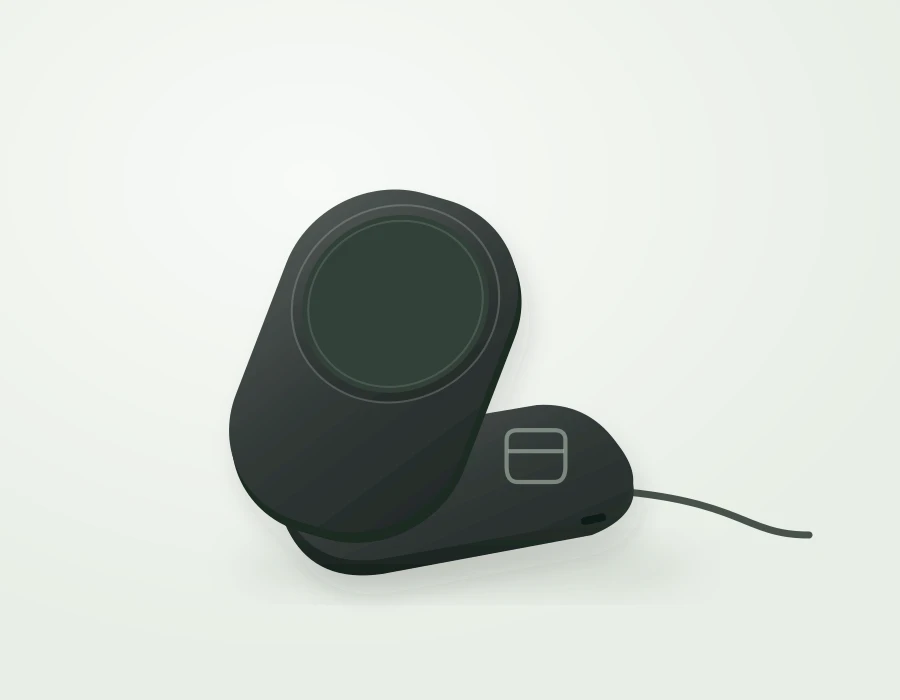
For a phone and wireless-chargeable earbuds, the UGREEN MagFlow 55313 and Belkin UltraCharge WIZ039 form a more focused pair. Their second charging surface is for earbuds, not a built-in Apple Watch charger. A lower headline price is only comparable once you establish whether the power supply is included.
Compatibility comes before speed
Qi2 is a charging standard, not a promise that every magnetic phone, case and charger combination will reach the number on the box. There are 15W and newer 25W products, and the phone can impose its own lower limit. Exact model names matter: an extra letter or a different phone generation can change the answer.
Use our phone compatibility guide to establish the phone’s published capability, then check the individual charger’s supported devices. Software requirements, the power adapter and case design can also matter. We leave unsupported combinations unresolved rather than converting the words “magnetic” or “Qi-compatible” into an assurance.
The watch and earbud positions need their own checks. An Apple Watch charging module is not a universal smartwatch charger. Earbuds with a cable-only case do not gain wireless charging simply because the earbuds themselves are wireless. Check the charging case you own, not just the family name on its box.
Compare the complete kit
The practical purchase is the station plus anything necessary to use it as intended. That may include a compatible USB-C power adapter, a cable, a case, or a separate watch charging puck. Taxes and delivery add to the final checkout total. We distinguish an observed product price from a verified complete setup cost.
An adapter already in your drawer can be useful, but the number printed on its front is only the starting point. Check the station’s required output profiles and whether the adapter still supplies them when another port is occupied. A shared laptop adapter may be convenient at home and frustrating if the whole kit cannot charge together.
For gifts, an included power supply is often worth more than a small theoretical saving. A recipient should be able to understand what the gift does and what, if anything, they need to buy. When bundle details remain unclear, our catalogue says so instead of silently assuming a complete package.
Match the details to the room
At a desk, put the phone where it is useful without blocking another screen. Consider portrait and landscape positioning, the reach needed to lift it, and where the cable exits. Product dimensions alone do not describe the space occupied by a large phone. Leave clearance around the assembled setup.
Beside a bed, evaluate lights and fan controls before advertised peak power. A display you enjoy during the day may be distracting at night. A fanless product avoids a fan as a sound source, but we do not describe any of these products as silent without measuring the complete setup.
For travel, lay out the station, adapter, cable and carrying case together. Compact folded hardware can still make a bulky kit. Replaceable cables and clear packing compartments can be more useful than an attractive folding mechanism. Check the adapter’s voltage label and the plug arrangement for the destination; a plug head and a voltage converter perform different jobs.
When to keep what you already own
If your current charger reliably leaves your phone ready by morning, there may be no practical reason to replace it for a higher peak rating. An upgrade is easier to justify when it fixes an identifiable problem: an incompatible new phone, a messy three-device routine, or a kit that is awkward to pack.
If you usually need a short, urgent top-up, first establish whether a cable already solves the problem. Wireless charging can be a convenient docking routine, but our research does not establish that a selected wireless stand will outperform your existing wired charger. Avoid paying for an assumption.
Likewise, buying a larger station for future devices makes sense only when the future purchase is reasonably clear. An unused charging position costs money and occupies space today. A simple setup that fits the next year of your life can be a better choice than speculative completeness.
Use the collection as a decision tool
Open an individual analysis for the model, bundle and limitations. Use a comparison when two plausible choices remain. The finder narrows the collection using documented compatibility and your chosen requirements; it does not diagnose charging faults or certify combinations that we have not verified.
All shopping links in this launch go directly to retailers without affiliate tracking. The retailer handles price, payment, delivery and returns. Prices and availability can change after our checks, so confirm the exact US version before placing an order.
- Choose the devices you charge together.
- Check the exact phone, watch and earbud case.
- Choose a location and measure the usable space.
- Include every required accessory in the budget.
- Read the tradeoff before following a retailer link.
Sources & research notes
Manufacturer information establishes documented features. Our conclusions are research-based; we have not physically tested these products.
- Wireless Power Consortium: introduction of Qi2 25W (opens a new tab)
- Anker Prime A25N1: US product information (opens a new tab)
- mophie Roam 3-in-1: US product information (opens a new tab)
- UGREEN MagFlow Pro 75249: US product information (opens a new tab)
- Belkin UltraCharge Pro WIZ040: US product information (opens a new tab)
- UGREEN MagFlow 55313: US product information (opens a new tab)
- Belkin UltraCharge WIZ039: US product information (opens a new tab)
Checked September 7, 2026. Spotted a changed specification or an error? Send a correction.